Mac
macOS 12 Monterey or later · Apple silicon and Intel
DMG · 34.3 MB · Version 1.0.6 (125)
Notarized by Apple. Opens as a normal Mac app; no App Store account needed.
SHA-256 7899EEDCAC727D1B76A40AA8A86225C162C3F82033DBB454ACCC5663A615732E
Flash games, retro game emulator, immersive reading and AI tools on Mac, Windows, iPhone, iPad and Android. Pick your platform below.
macOS 12 Monterey or later · Apple silicon and Intel
DMG · 34.3 MB · Version 1.0.6 (125)
Notarized by Apple. Opens as a normal Mac app; no App Store account needed.
SHA-256 7899EEDCAC727D1B76A40AA8A86225C162C3F82033DBB454ACCC5663A615732E
Windows 10 or 11 · 64-bit
Installer · 19.4 MB · Version 1.0.2
Small and quick to start, with a built-in native Flash player, game speed control and text translation. The Classic edition (Chromium with the original Flash player, about 220 MB) is there for games that need it; both can be installed side by side.
SHA-256 BF6B2C31EFFB8BA09E7BAC2F0A5E171E9A8F926643207884420B8BB60AD0B6A2
iPhone and iPad · from the App Store
Free · Version 1.0.4
Install and update through the App Store.
Android 7.0 or later · phones and tablets
APK · 23.9 MB · Version 15.14.53
Use Google Play where it is available; the APK is the same app for devices without Play.
SHA-256 CBEA30048149E22491FDE0E183AB3DDAD8EE52A94F3F15D794F93C10E26D7A97
Open the downloaded DMG file. A window with the Zixia Browser icon and an Applications folder appears.
Drag 紫霞浏览器 (Zixia Browser) onto Applications, then eject the disk image.
Open Zixia Browser from Applications or Launchpad. The app is signed with a Developer ID and notarized by Apple, so it opens without extra steps. If macOS still asks, choose Open in the dialog.
Works on Macs with Apple silicon (M1 and later) and Intel processors. Flash games and the retro game emulator run natively on both.
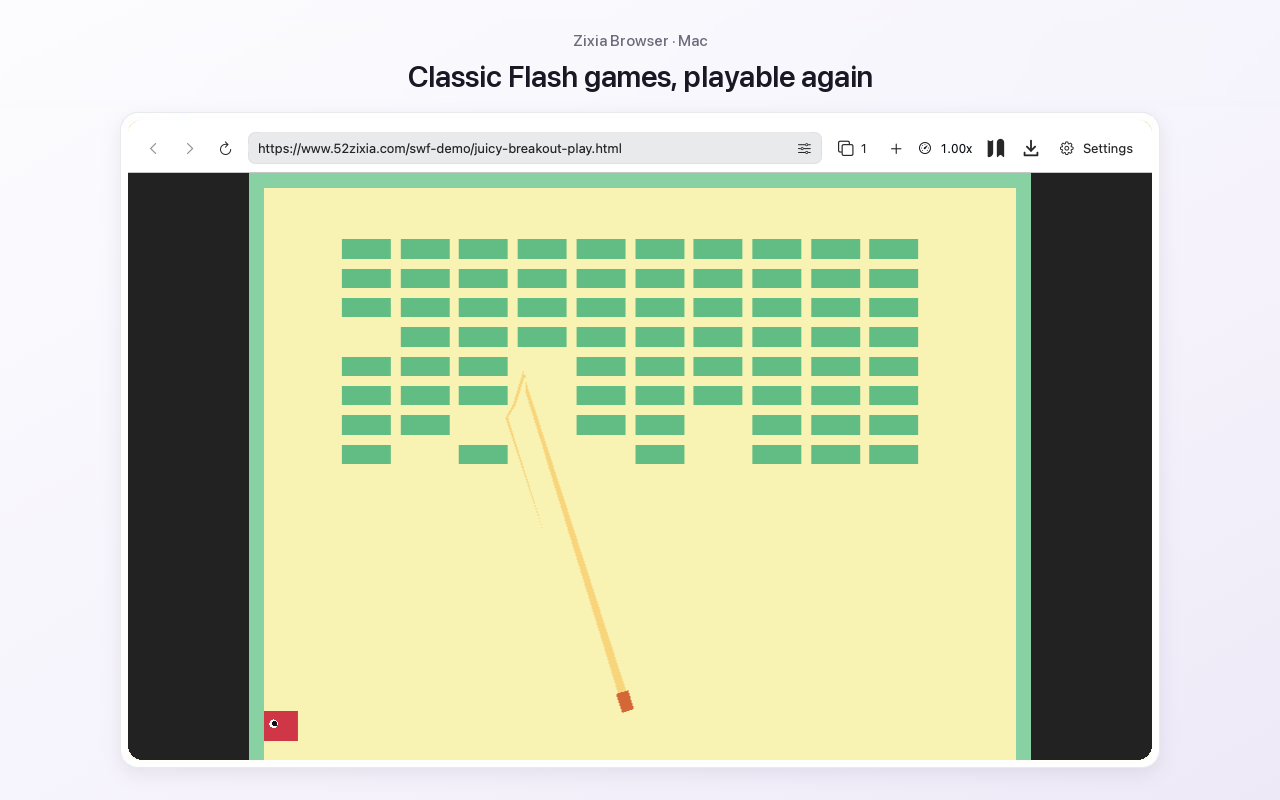
Tap Download APK directly. If Google Play is available on your device, the Play button is the easier route.
Open the downloaded file. Android asks you to allow this browser to install unknown apps: allow it once, then install.
You can turn the permission off again afterwards. Updates come from this page or from Google Play.
The APK is the same build as the Google Play edition, plus local file import and downloaded-app installation that store rules do not allow.
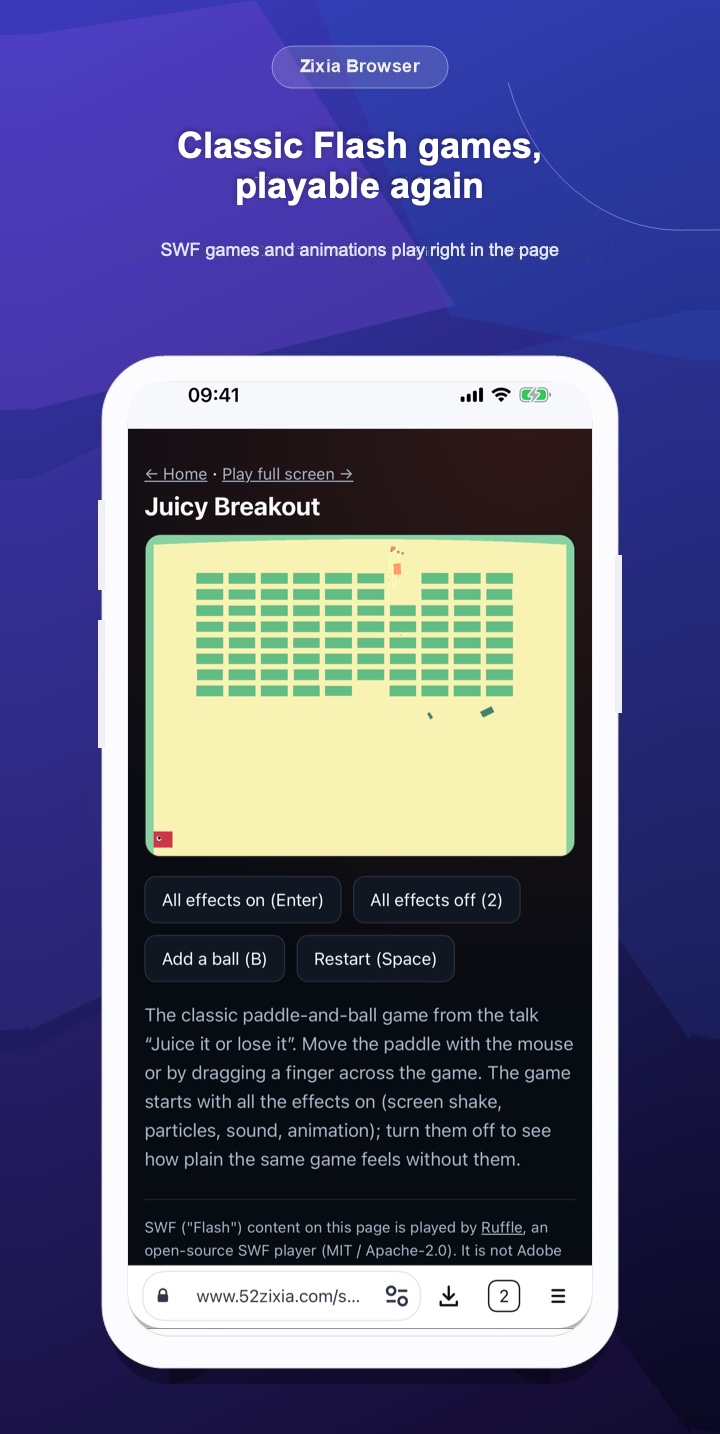
Compare the SHA-256 of the file with the values below. On a Mac: shasum -a 256 <file>.dmg. On Windows, in PowerShell: Get-FileHash <file>.
 Scan to open this page on your phone
Any Mac running macOS 12 Monterey or later, with an Apple silicon (M1, M2, M3, M4…) or Intel processor. The app is a universal binary, so it runs natively on both.
The app is notarized, so this normally does not happen. If it does, control-click the app in Applications and choose Open, or allow it under System Settings → Privacy & Security. Make sure you copied the app out of the disk image first.
The installer is not code-signed yet, so Microsoft Defender SmartScreen or your browser may warn about it. Check the SHA-256 against the value on this page, then choose More info → Run anyway. Security software may also ask you to trust the file.
The APK is downloaded directly from this website rather than an app store. Temporarily allow your browser to install unknown apps in system settings, then turn the permission off after installing.
Read the Zixia Browser Privacy Policy and Terms of Use.