

Understand pages with AI
Summarize, verify, or transform the current page and turn long content into useful information faster.
Classic Flash games and your own retro game files, page-aware AI, user scripts, video speed control, immersive reading and read aloud—one focused browser for Mac, iPhone, iPad and Android.
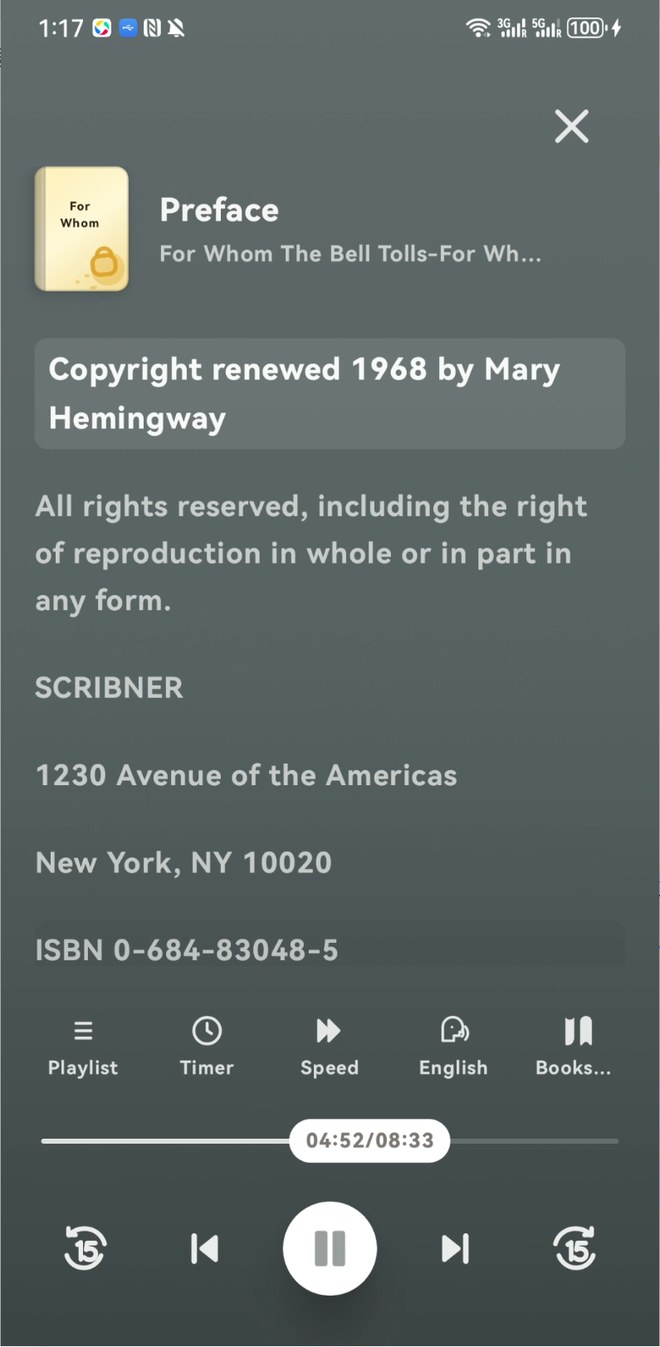
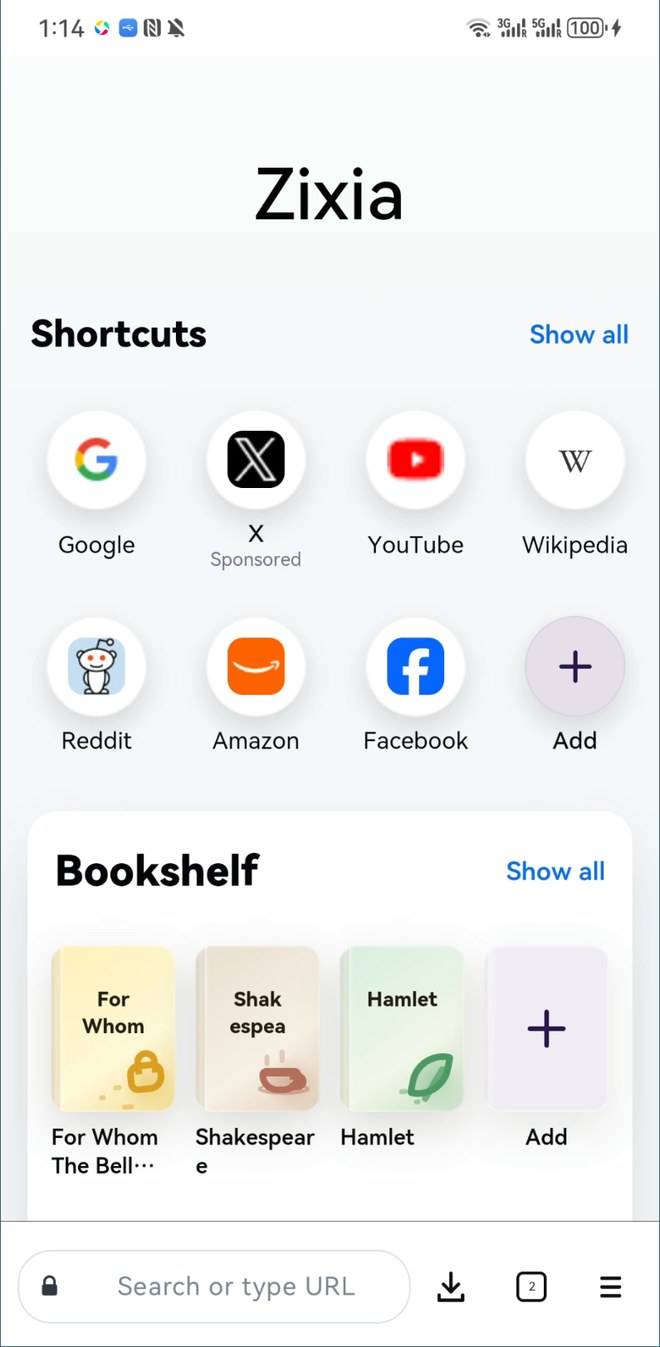
A focused browser experience with practical tools for understanding pages, extending the web, and settling into long-form reading.
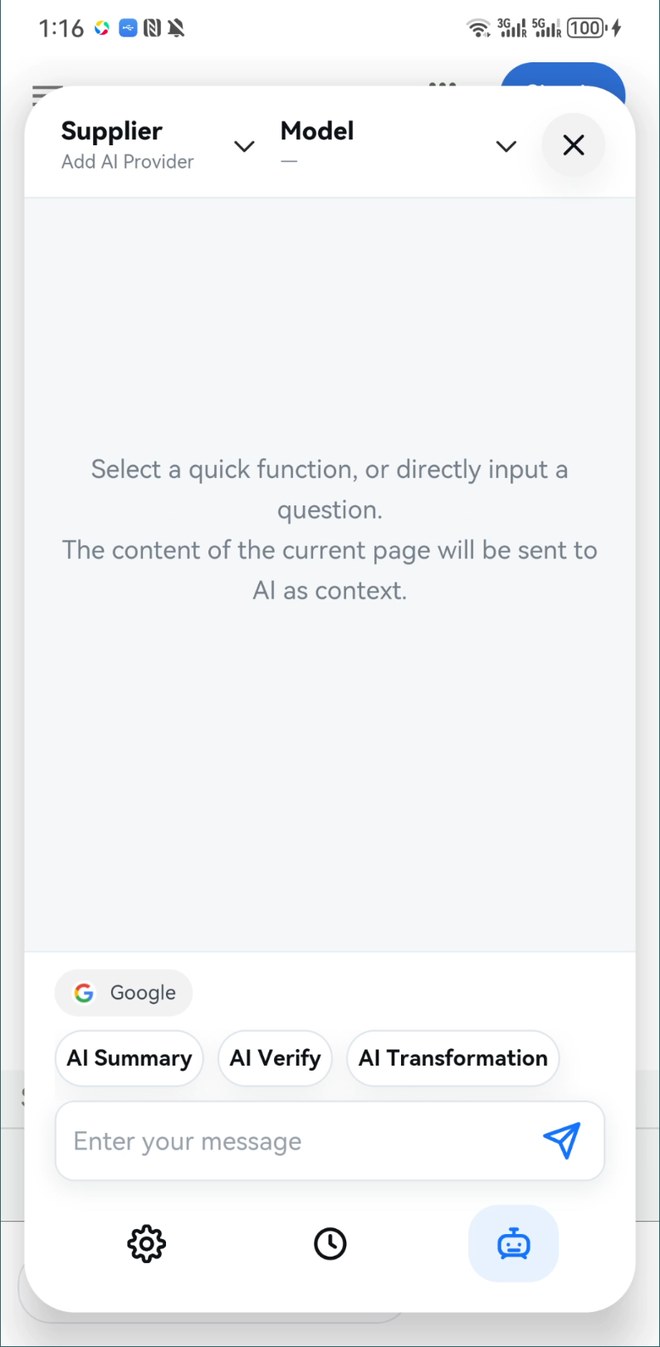
Summarize, verify, or transform the current page and turn long content into useful information faster.
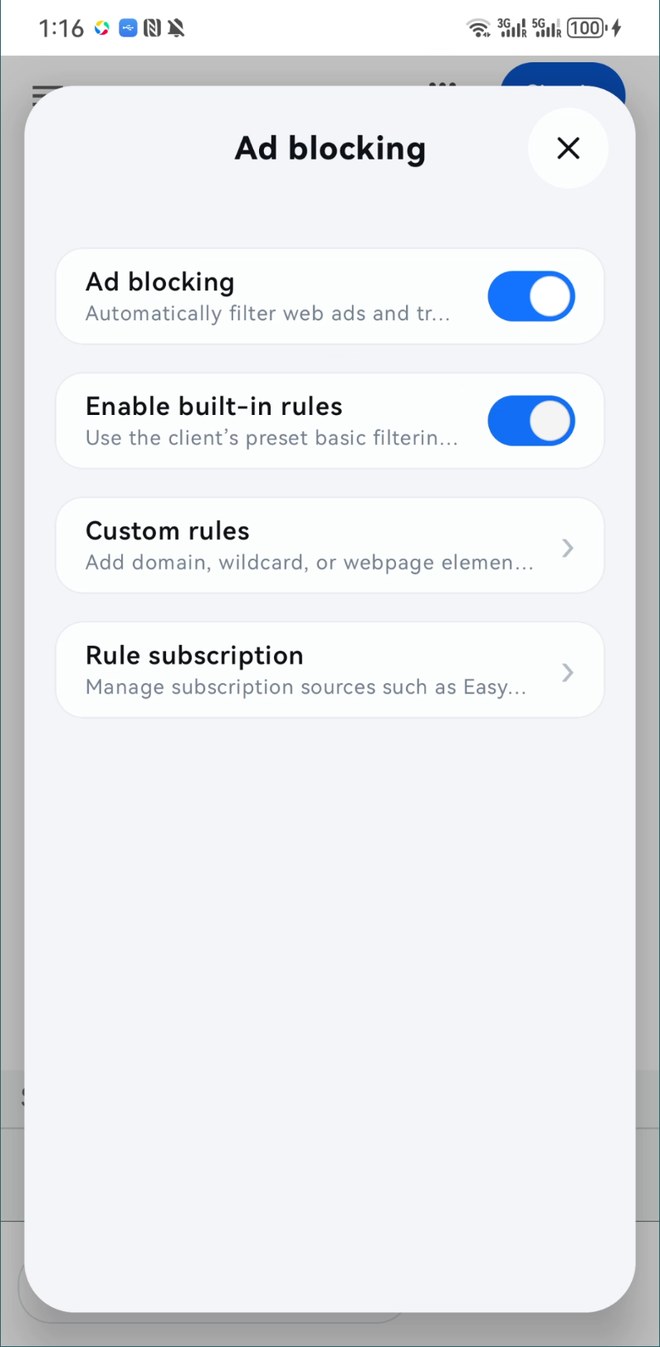
Use built-in filters, custom rules, and subscription lists to reduce distracting ads and tracking requests.
Enable scripts by site or domain for cleaner pages, original-image viewing, and improved reading.
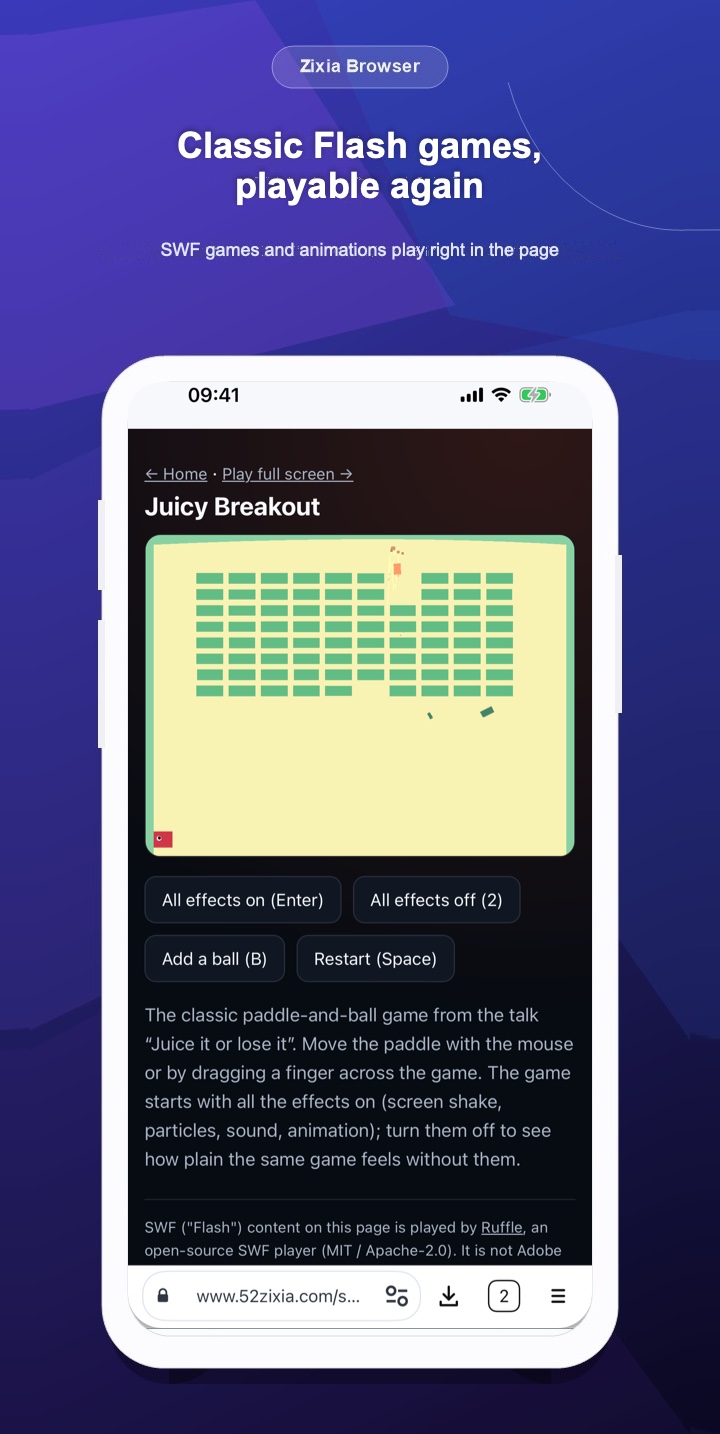
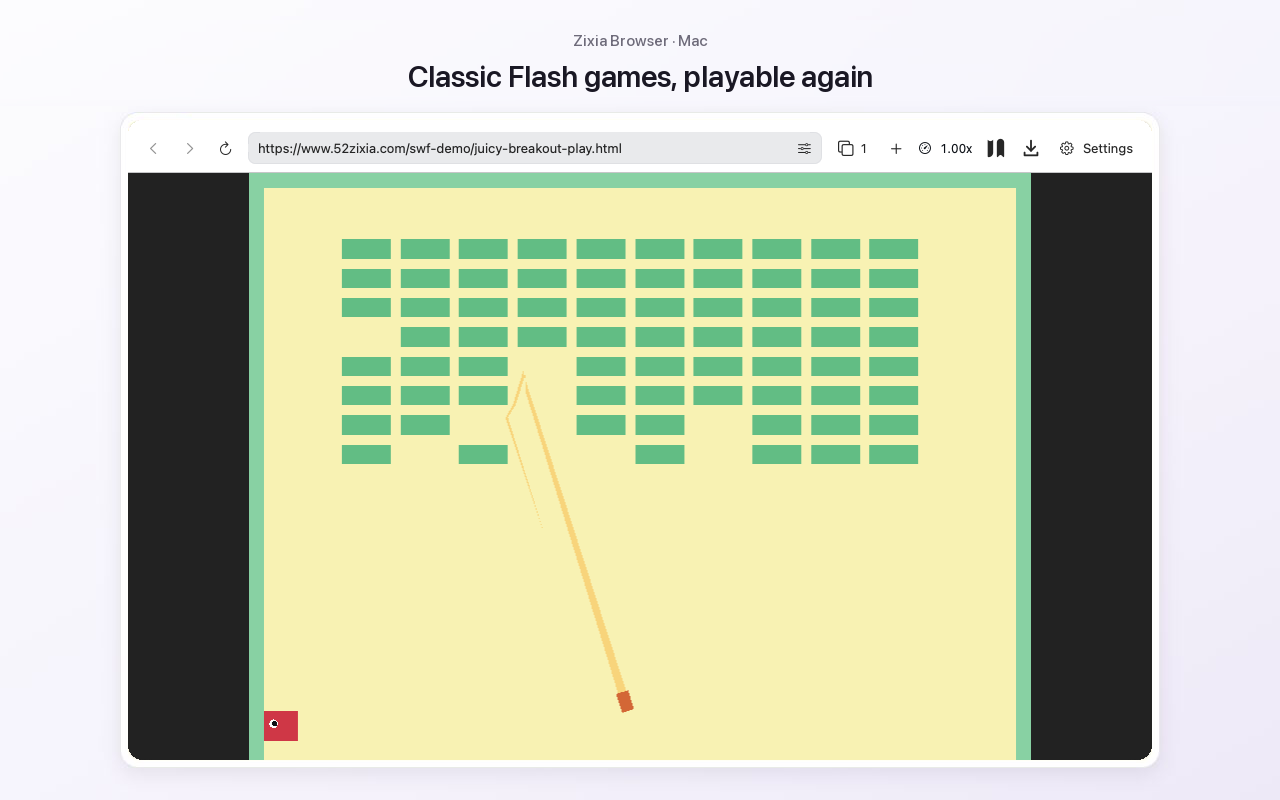
SWF games and animations on web pages play again, with a 64-bit native player for large games, a virtual gamepad and speed control.
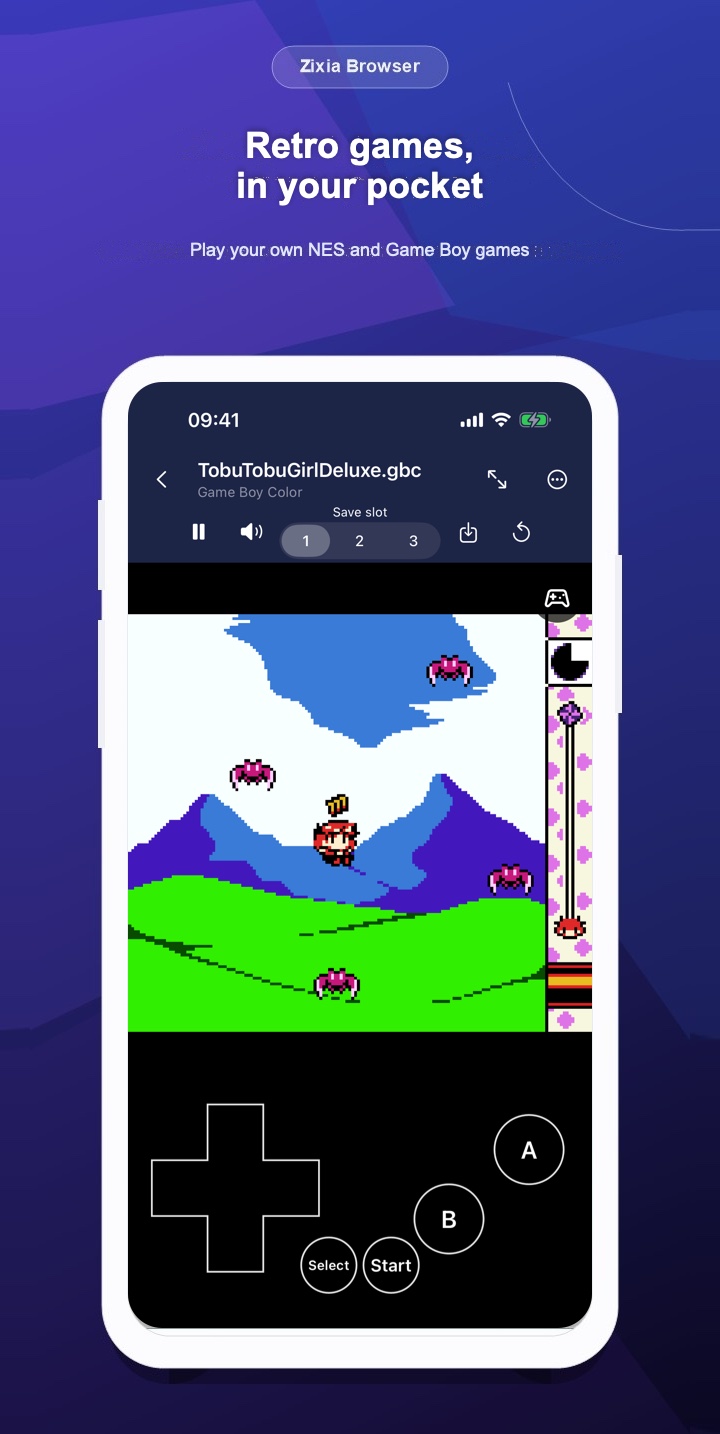
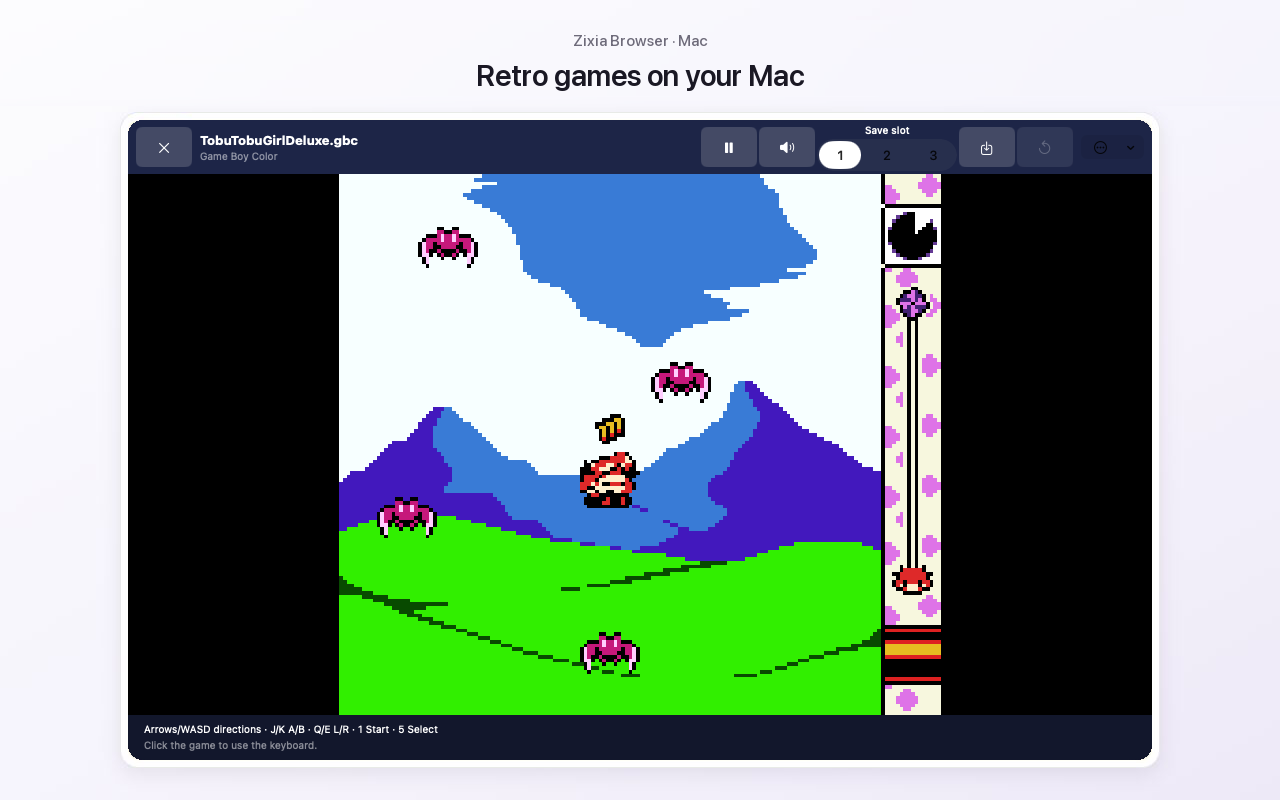
Open your own NES, Game Boy, Game Boy Color and Game Boy Advance files, with three save slots and controller support.
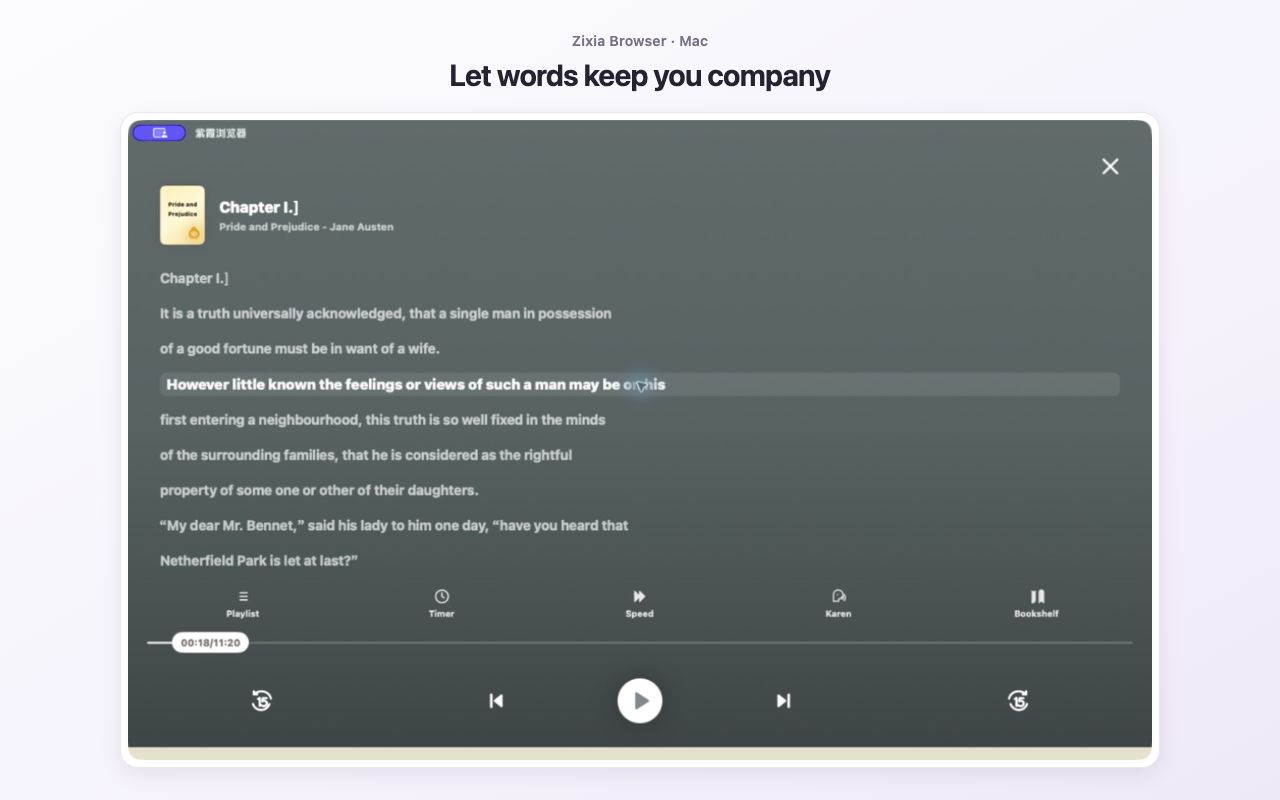
Fine-tune type, spacing, colors, and page turns—or let Zixia read the page aloud.
No more copying page content back and forth. Zixia can send the current page as context to your selected AI provider, helping you extract key points, check claims, and reshape text.
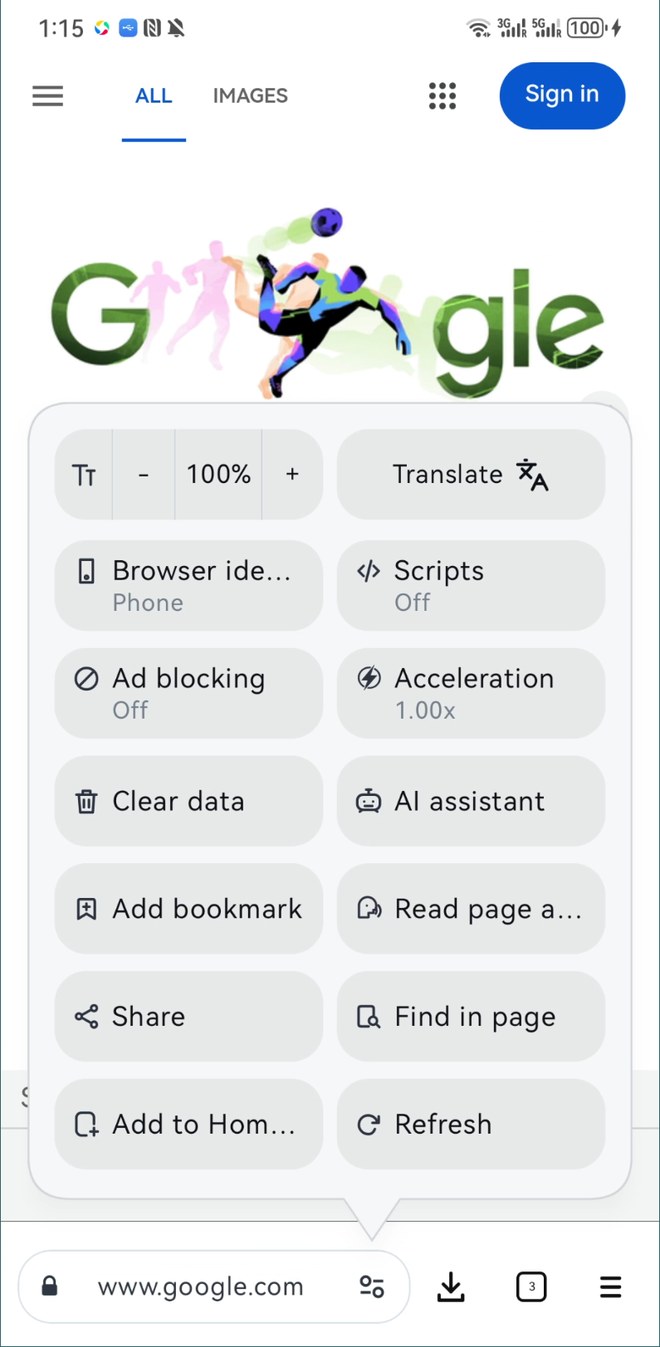
Ad blocking and script management work side by side. Start with built-in rules, add subscriptions, or create your own filters and page enhancements.
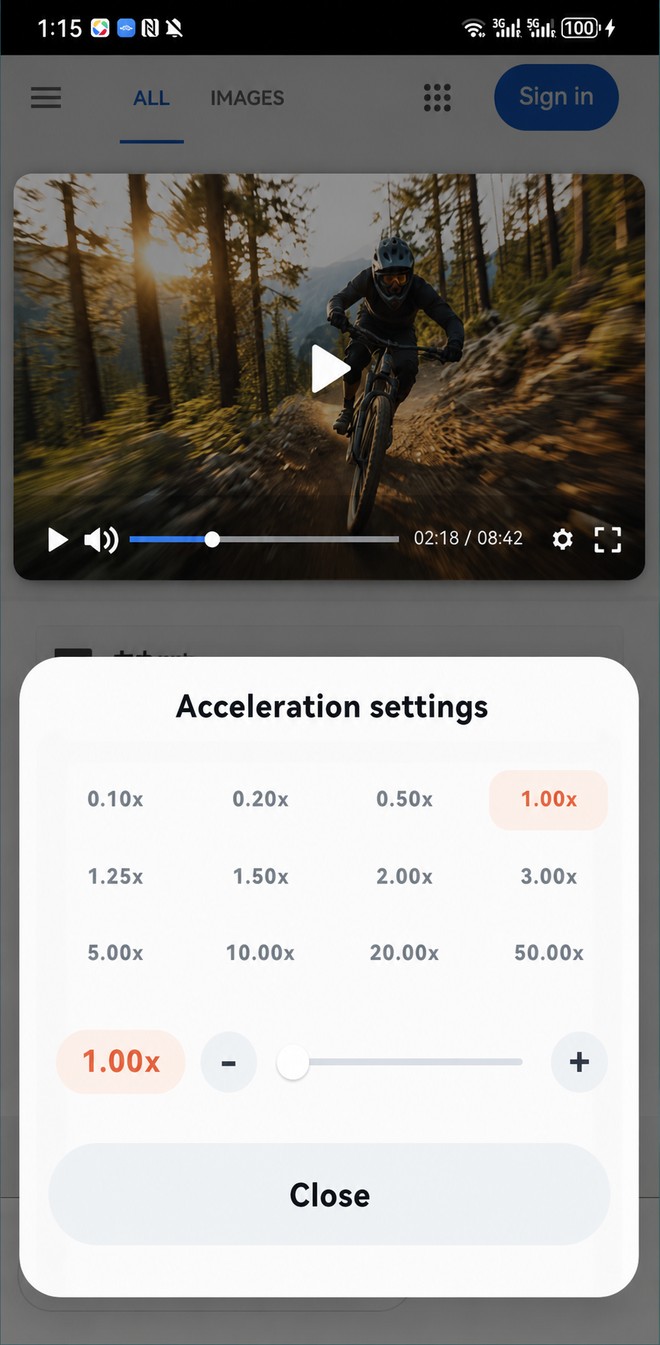
Slow down to inspect a moment or speed through long material. Adjust compatible web videos from 0.10× to 50× with presets and fine control.
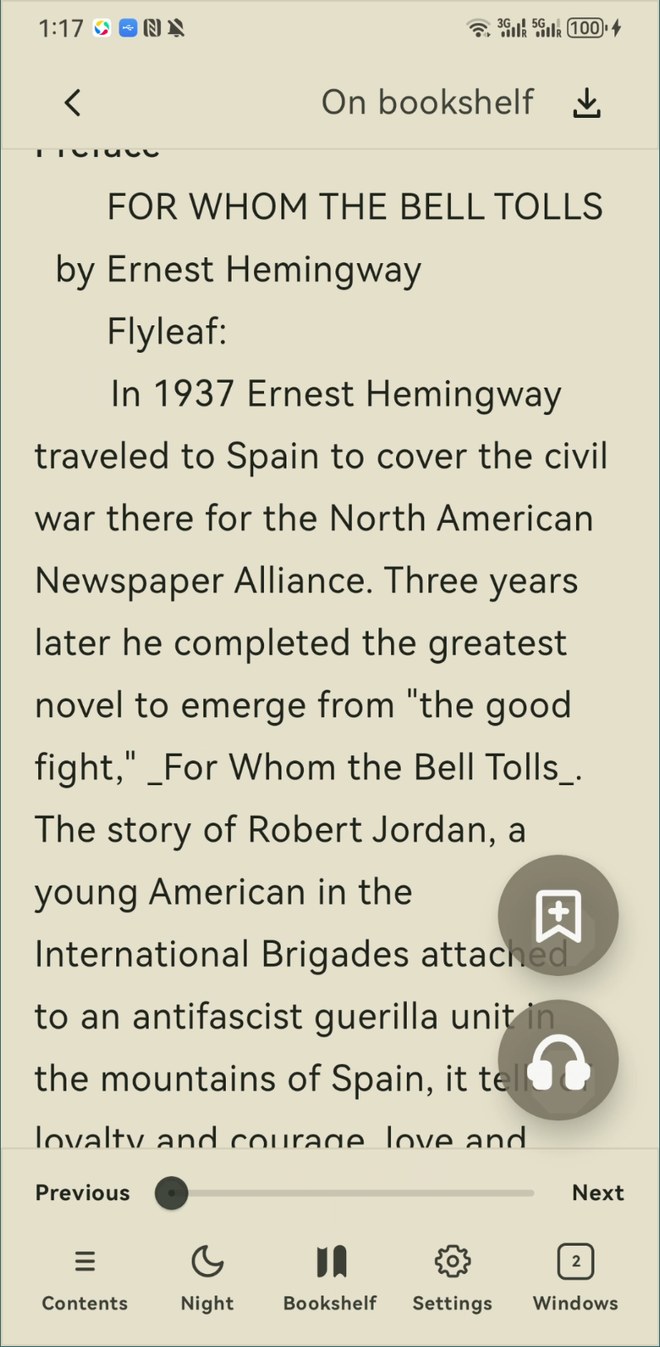
Fine-tune fonts, spacing, margins, background colors, and page-turning behavior. When your eyes need a break, switch to read aloud and keep the story moving.
SWF games and animations on web pages play right in the browser, powered by the open-source Ruffle player. Large web games get a 64-bit native player, so they no longer stop when the page runs out of memory. Try Juicy Breakout on our demo page.
Open NES, Game Boy, Game Boy Color, and Game Boy Advance game files you download or import yourself. Zixia includes no games. Try the free, open-source Tobu Tobu Girl Deluxe from our demo page.
The same browser, Flash games, retro game emulator and reader in a native Mac app. Universal for Apple silicon and Intel, notarized by Apple, and installed by dragging to Applications.
Swipe through Zixia Browser screenshots on the phone. Layout and feature availability may vary by platform and system capabilities.
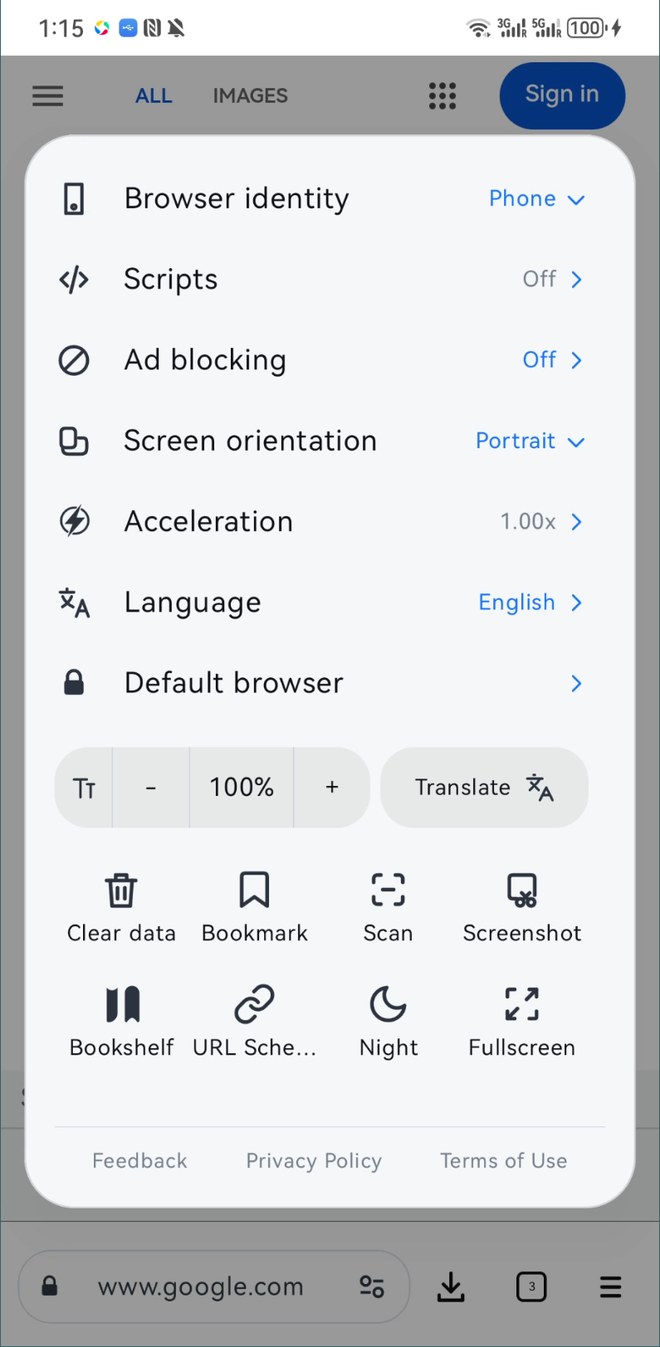
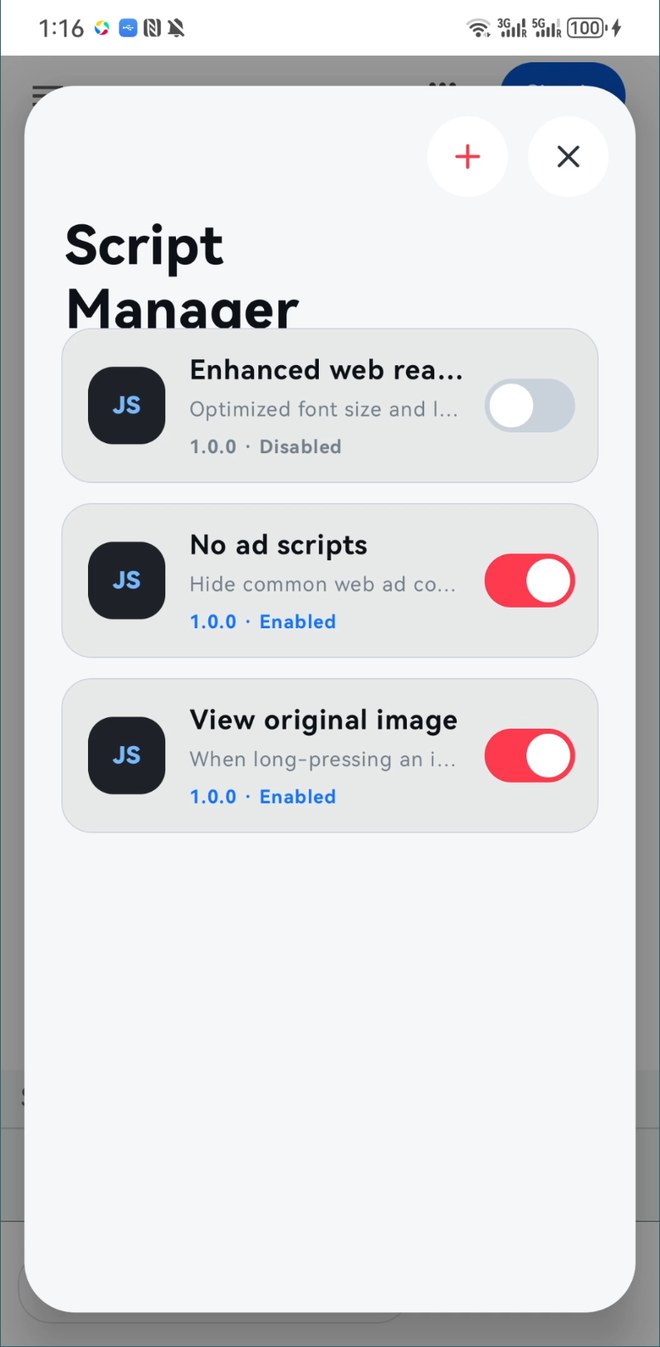
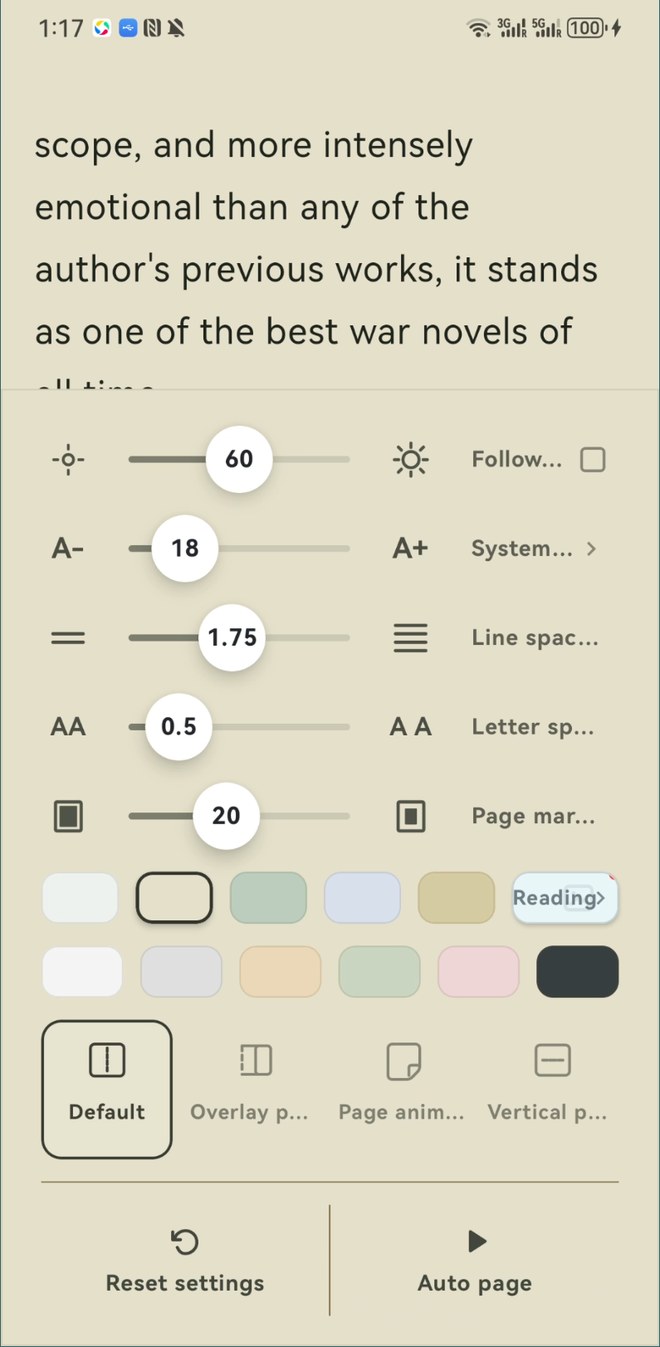
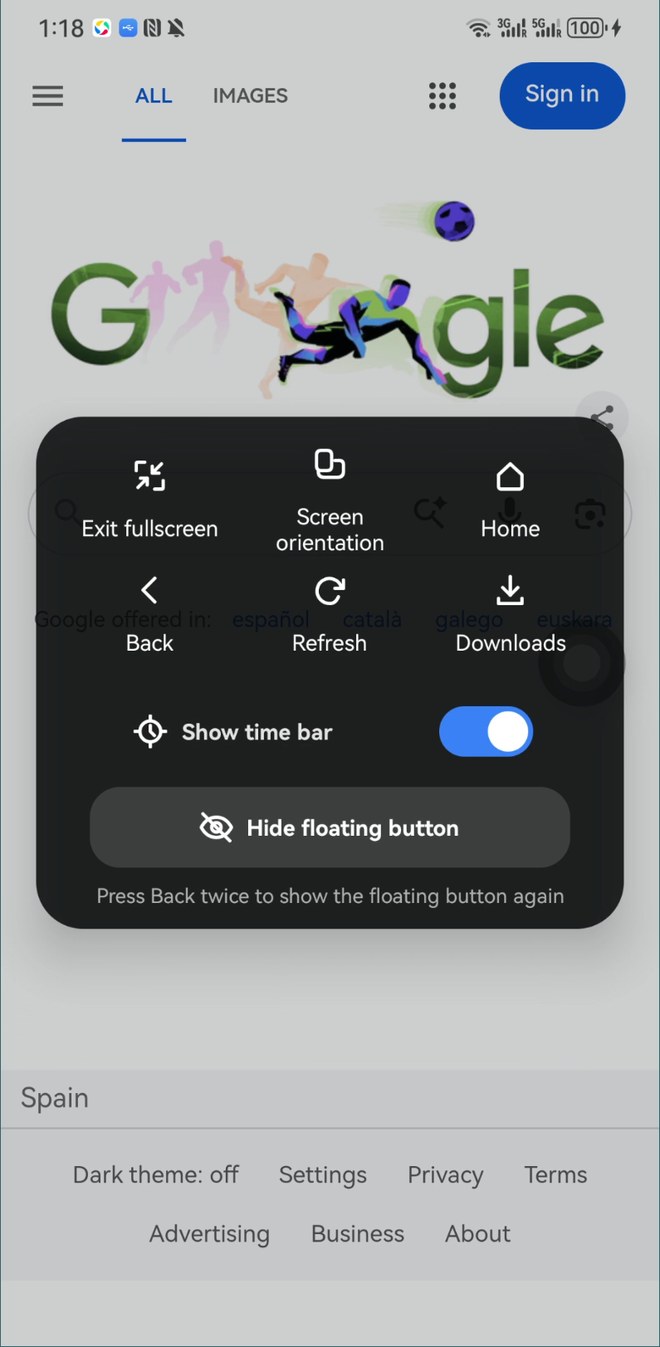
Mac: download the DMG and drag the app to Applications. iPhone and iPad: App Store. Android: Google Play or the APK. Install steps and checksums are on the download page.
Mac with macOS 12 Monterey or later (Apple silicon and Intel), compatible iPhone and iPad devices through the App Store, and Android 7.0 or later. Features and layout may vary by platform.
Open the downloaded DMG, drag Zixia Browser to Applications, then open it from Applications or Launchpad. The app is notarized by Apple; if macOS still asks, choose Open. Details on the download page.
The APK is downloaded directly from this website rather than an app store. Temporarily allow your browser to install unknown apps in Android settings; you can turn that permission off after installation.
Mac DMG SHA-256: A7F0839A50AD28994B575BB86ABEAAFE54AE49BC640CFFA89CC3D6C8A000FB8D. Android APK SHA-256: AC534220DB8AA32E916FD1B544D94690F9C12710E0569E8E807BD5677DEA62D5. Compare with a system or third-party checksum tool.
Read the Zixia Browser Privacy Policy and Terms of Use.